IoT Lab KVS WebRTC WorkShop

IoT Lab KVS WebRTC WorkShop
View the Project on GitHub iotlabtpe/Amazon-KVS-WebRTC-WorkShop
Building Amazon KVS WebRTC C SDK on Raspberry Pi 4 with Raspberry Pi Camera
Prerequisites
Hardware requirements:
- Raspberry Pi 4 platform
- Raspberry Pi Camera and cable
- An SD card, 32GB or higher is recommended
Software requirements:
- Raspberry Pi OS
- Amazon KVS WebRTC C SDK
- Optional: Gstreamer for live view from Raspberry Pi Camera
Configure your Raspberry Pi 4
Quick setup of Raspberry Pi 4, we assume that you are familiar with Linux commands and you can login via ssh connection.
- Download Raspberry Pi OS from the link and flash it to your SD card.
- Connect your Raspberry Pi Camera to Raspberry Pi 4 via cable.
- Plug the SD card to Raspberry Pi 4 and boot.
- Make sure you have Internet connection.
-
Run the command
sudo raspi-configand follow the steps to configure Raspberry Pi Camera. Save and reboot: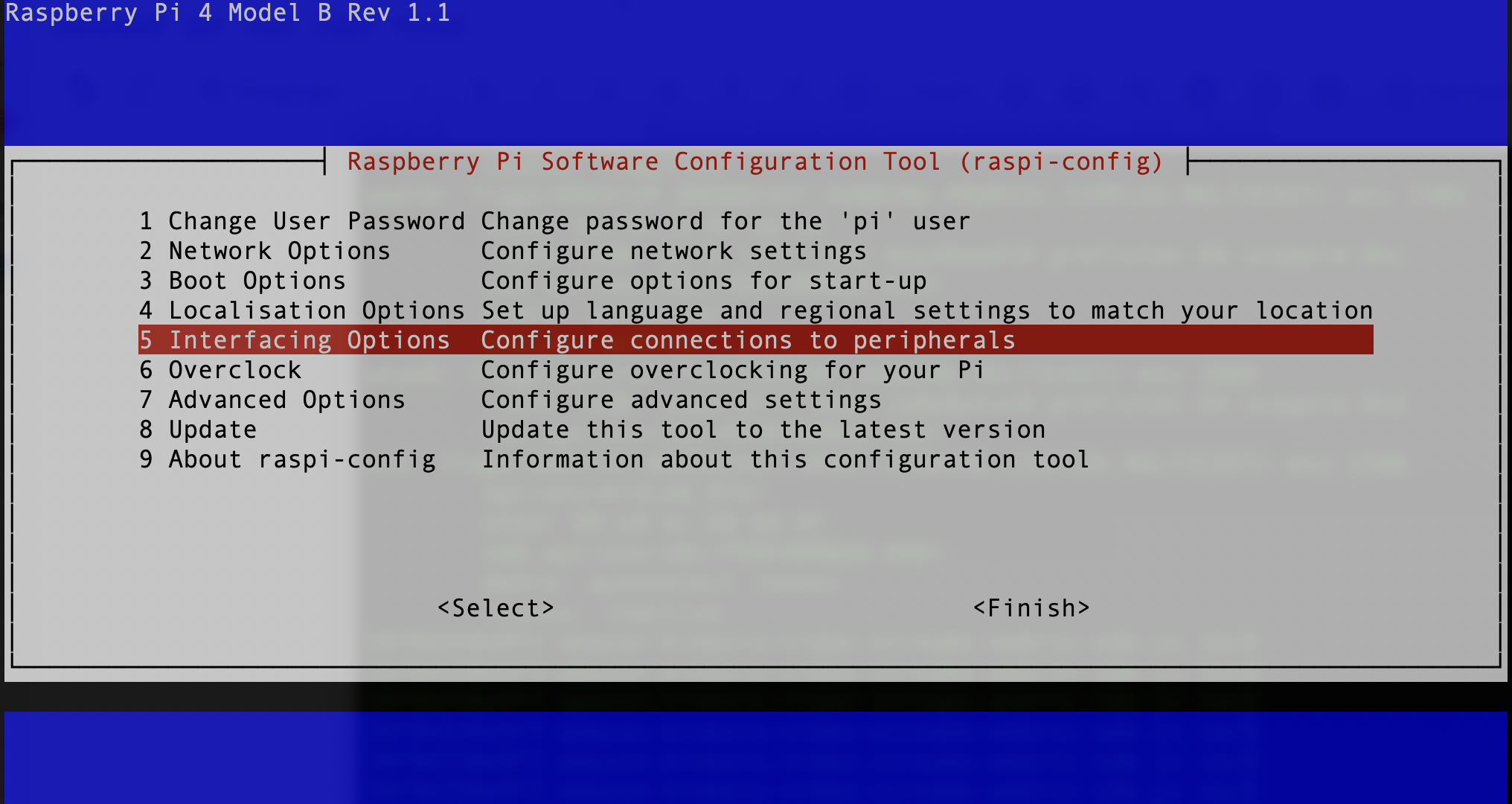
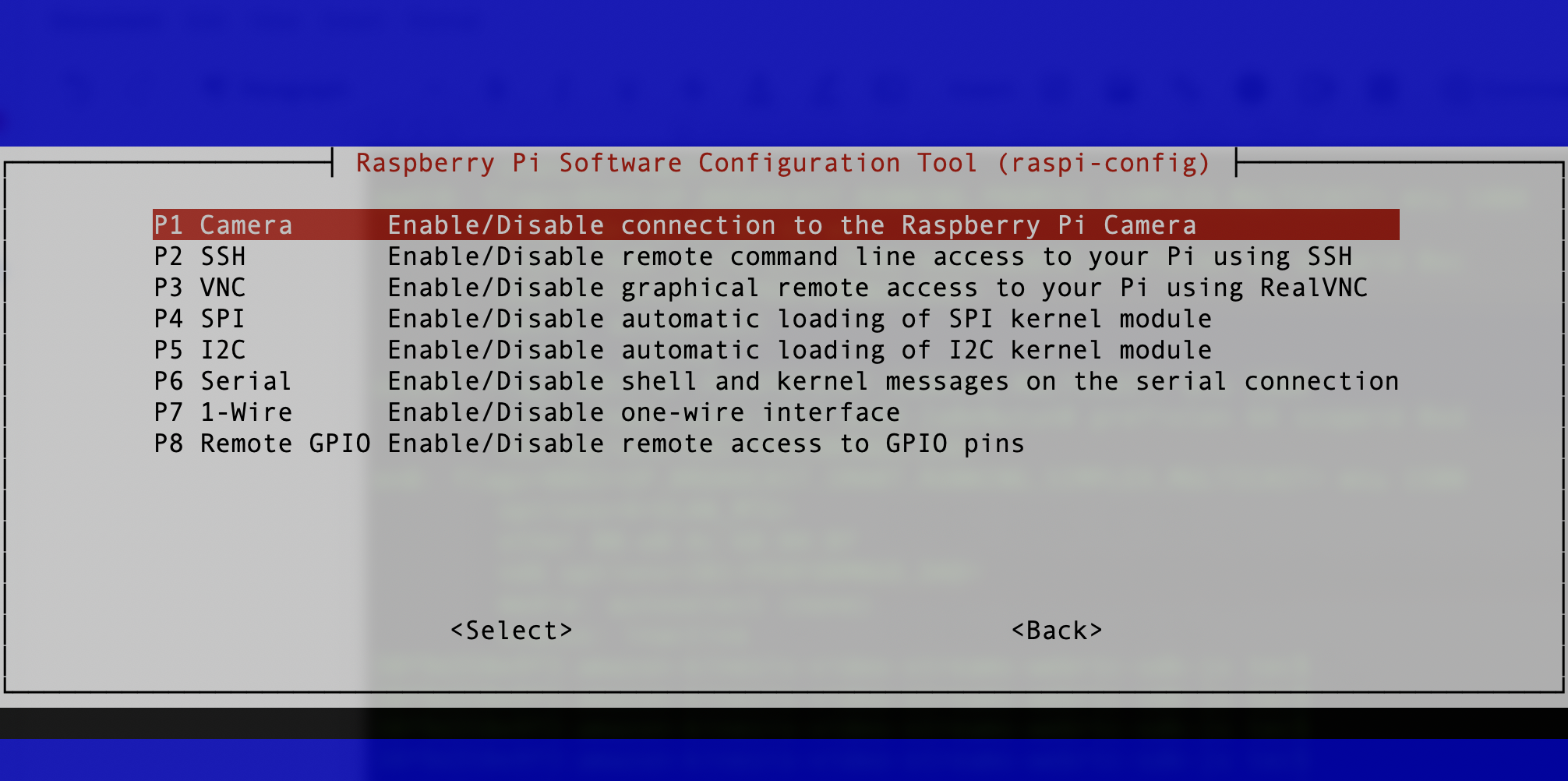
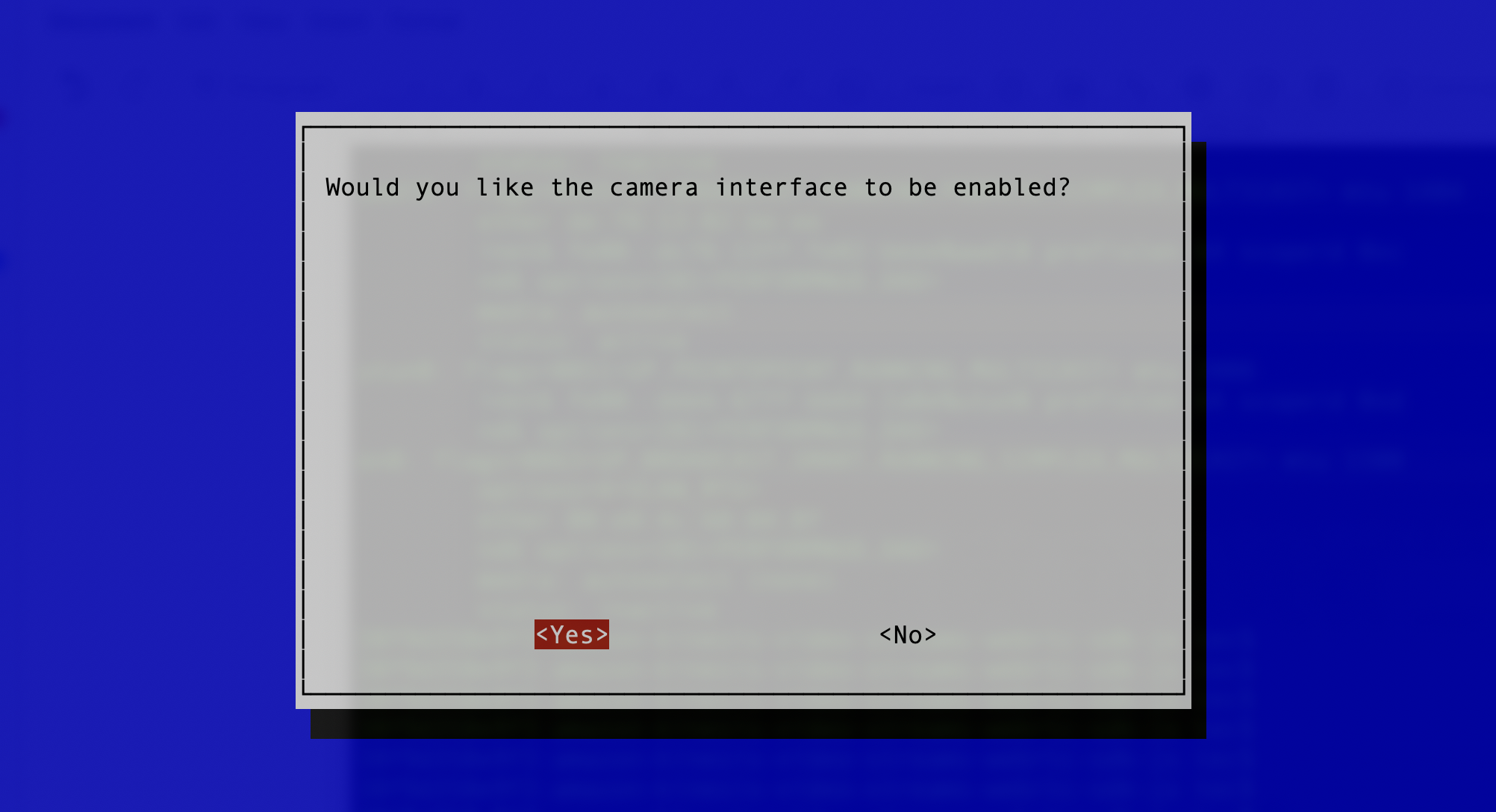
- Install the related software packages to compile the Amazon KVS WebRTC C SDK.
 sudo apt install -y cmake g++ pkg-config gstreamer1.0-tools libgstreamer1.0-dev libgstreamer-plugins-base1.0-dev gstreamer1.0-plugins-ugly
 sudo apt install -y libssl-dev libcurl4-openssl-dev liblog4cplus-1.1-9 liblog4cplus-dev libcap-dev
Download and build Amazon KVS WebRTC C SDK
- Login to Raspberry Pi 4 and follow the steps to download and build Amazon KVS WebRTC C SDK.
cd ~ git clone --recurse https://github.com/awslabs/amazon-kinesis-video-streams-webrtc-sdk-c.git mkdir -p amazon-kinesis-video-streams-webrtc-sdk-c/build cd amazon-kinesis-video-streams-webrtc-sdk-c/build #It will take a while to run cmake cmake .. make -j4 - If every step goes smoothly, you should see the following binary file and libraries:
