IoT Lab KVS WebRTC WorkShop

IoT Lab KVS WebRTC WorkShop
View the Project on GitHub iotlabtpe/Amazon-KVS-WebRTC-WorkShop
Quick start KVS WebRTC with IAM user
A quick way to run and view the audio/video stream is to use Amazon IAM user. Please follow the steps to create a valid AWS user to access Amazon KVS WebRTC service.
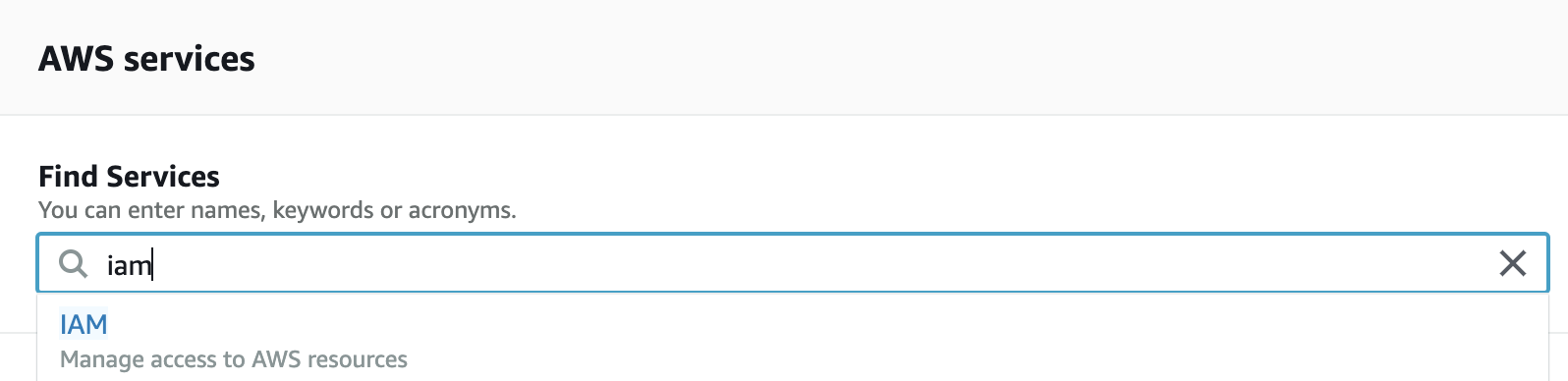
- Login to AWS console and search IAM to login.
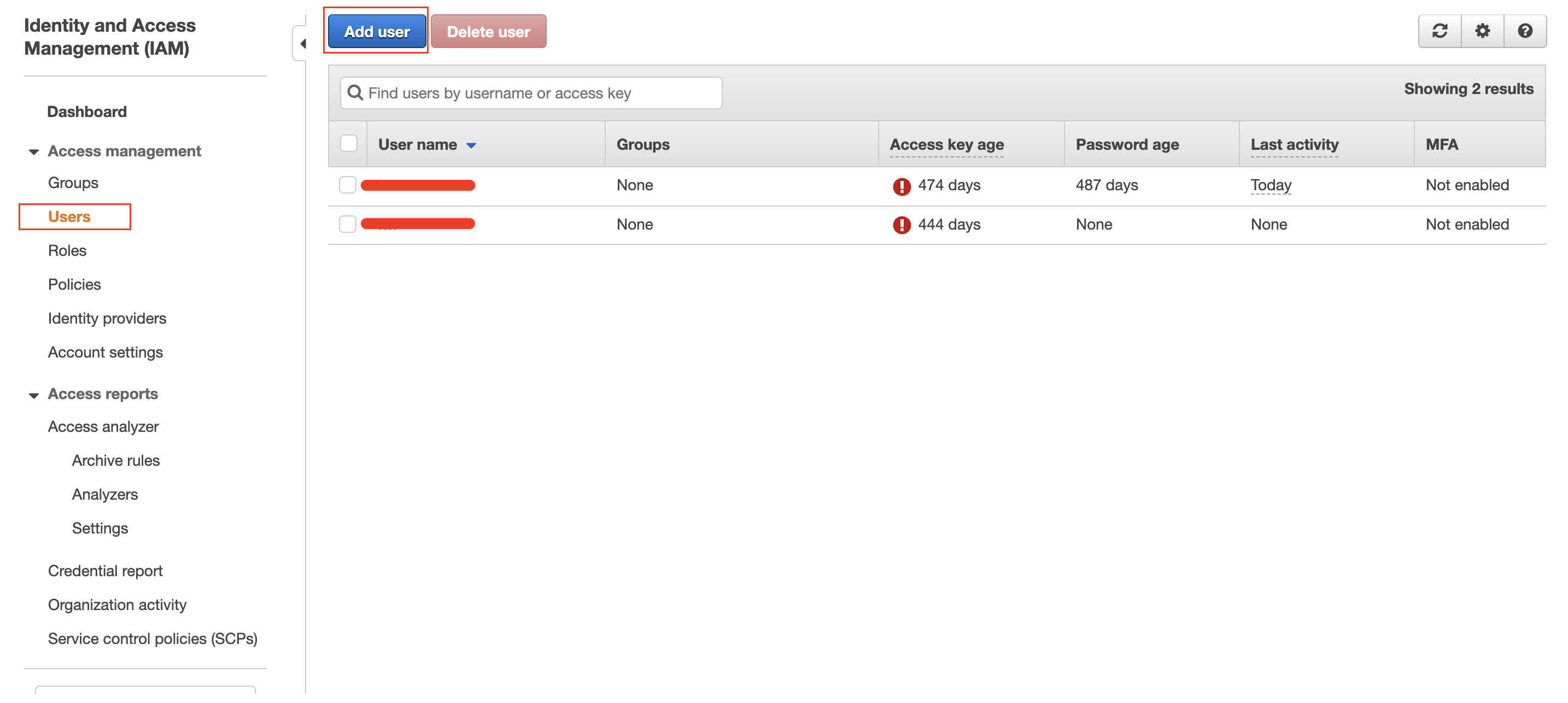
- Click Add user.
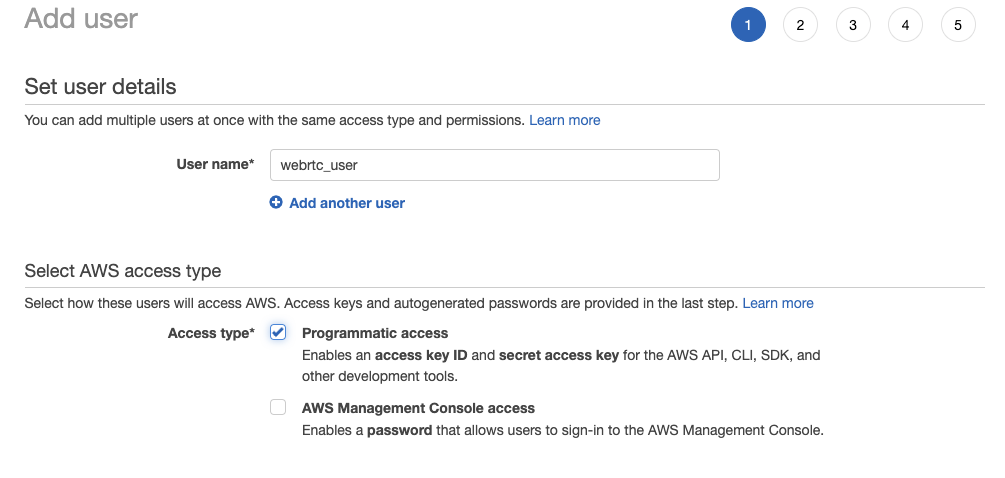
- Giving a User name and check the Programmatic access.
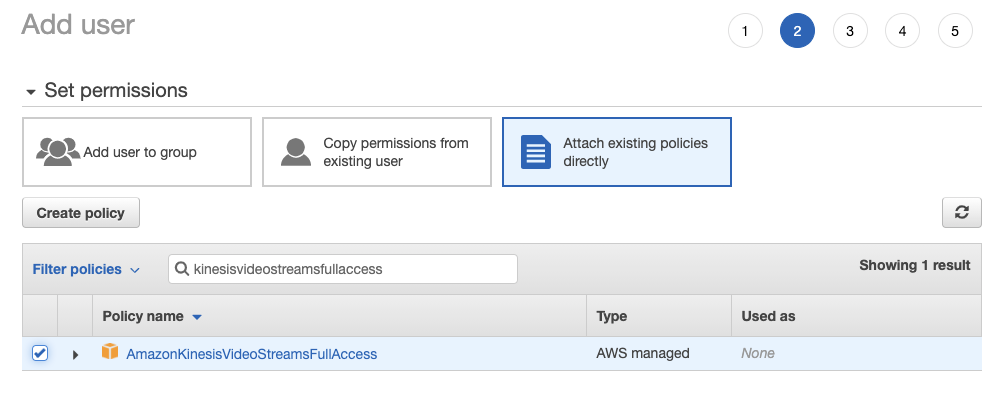
- Choose Attach existing policies directly and search AmazonKinesisVideoStreamsFullAccess.
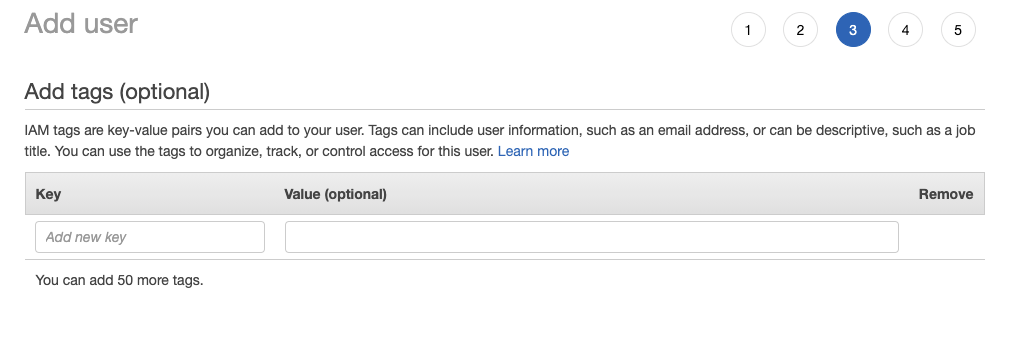
- Click Next:Tags and do nothing. Then click Next:Review.
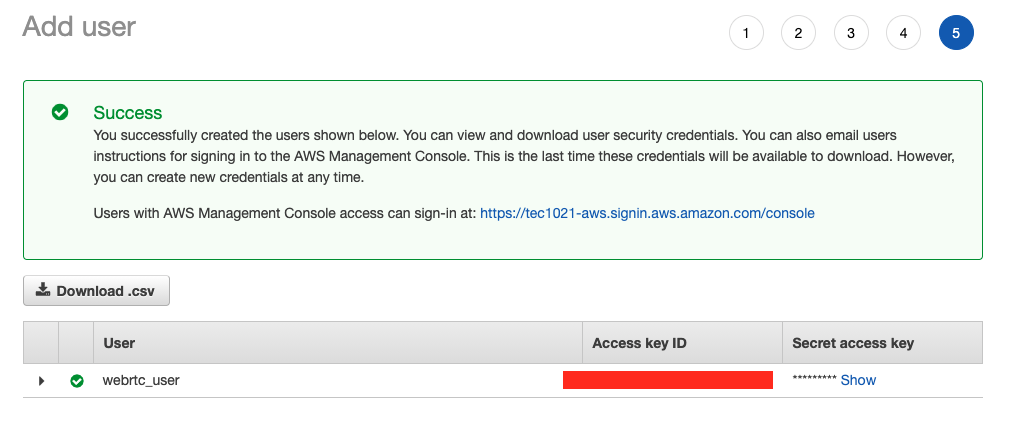
- In Review page, click Create user. You should see your Access key ID and Secret access key now. Please download the csv file and keep it securely.
- Follow the steps to configure Amazon KVS WebRTC and run it.
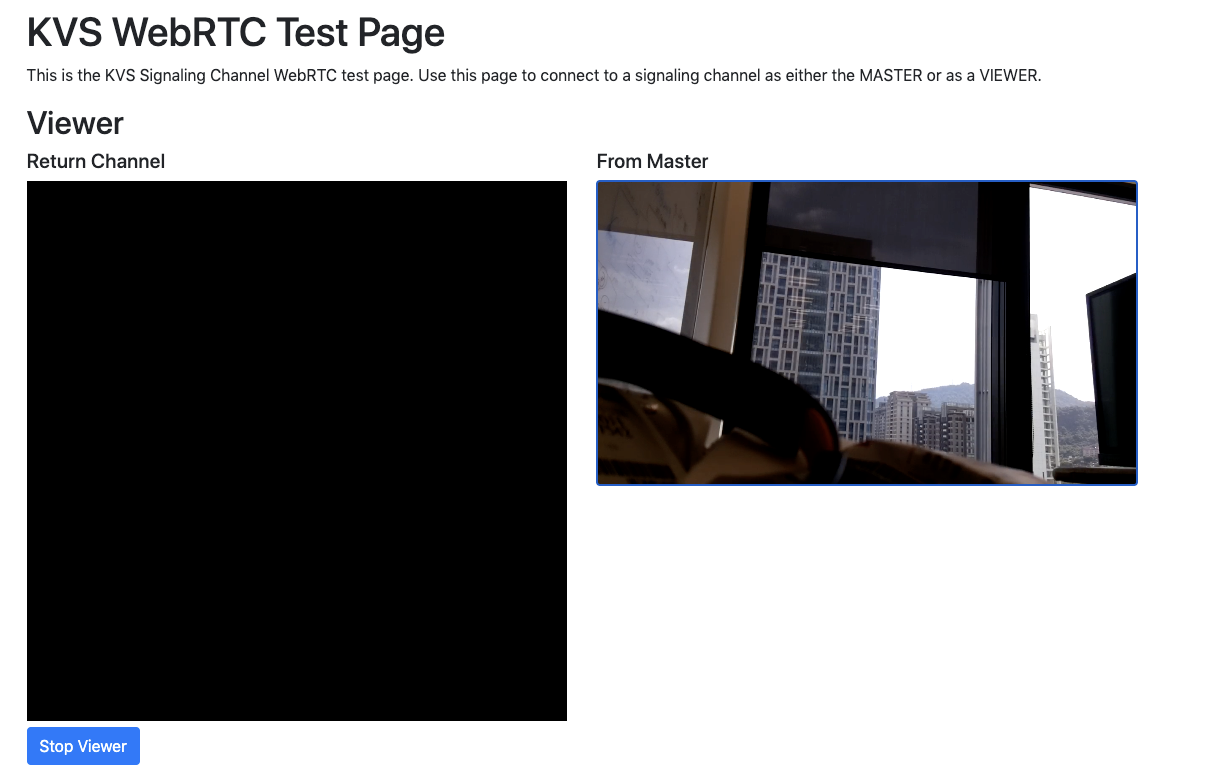
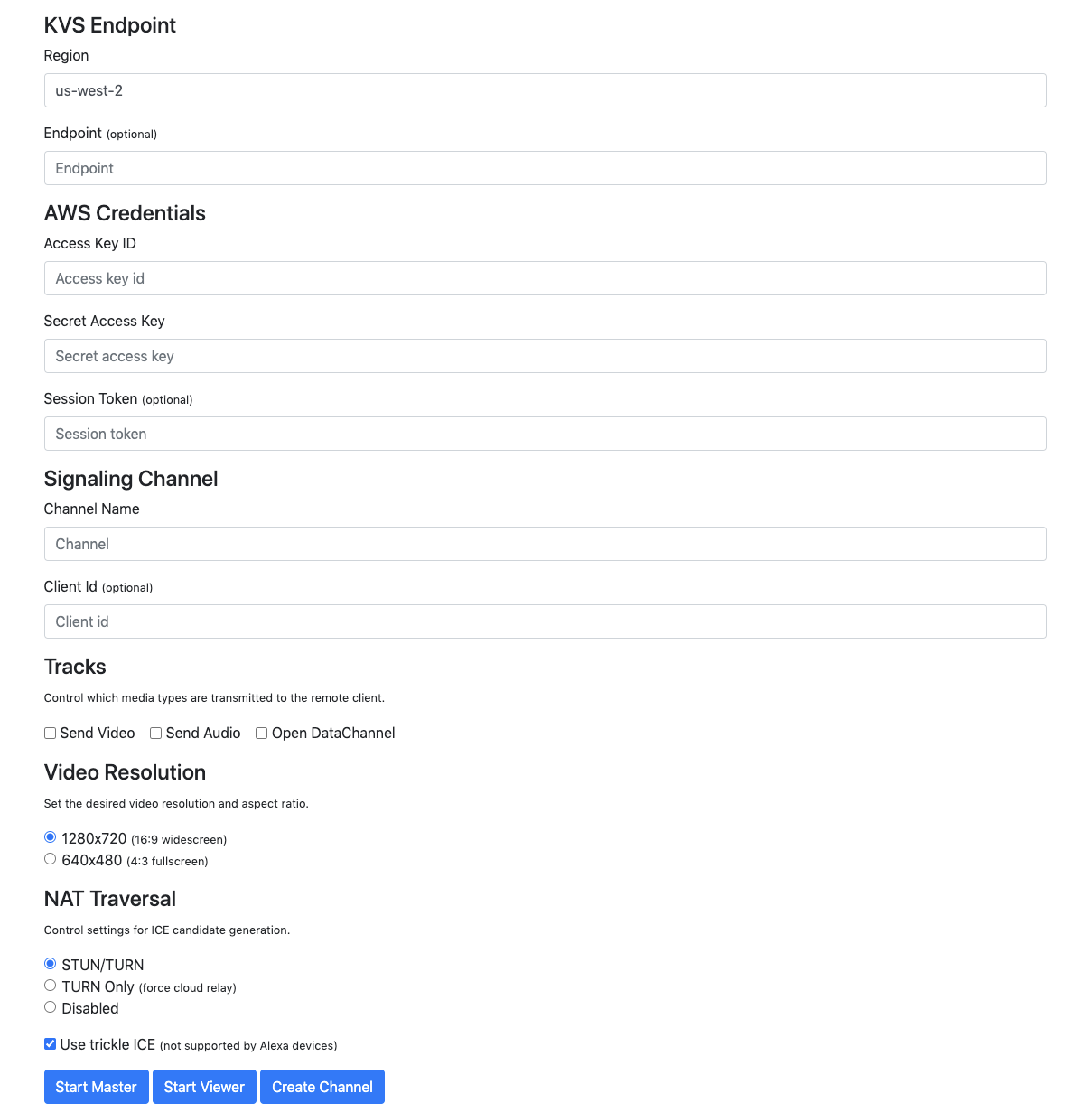
#Use the access key ID and secret access key you created above. #If you don't setup the region, the defualt region will be us-west-2. export AWS_DEFAULT_REGION=your_desired_region export AWS_SECRET_ACCESS_KEY=your_secret_access_key export AWS_ACCESS_KEY_ID=your_access_key_id #Optional, to configure debug level. The level is 1 (VERBOSE) t0 7 (SLIENT). export AWS_KVS_LOG_LEVEL=1 #Make sure your system time is up-to-date. Or you should sync it manually. date cd ~/amazon-kinesis-video-streams-webrtc-sdk-c/build #To run Amazon KVS WebRTC stream local file to the viewer side ./kvsWebrtcClientMaster your_desired_channel_name - Use the following link to view the stream: https://awslabs.github.io/amazon-kinesis-video-streams-webrtc-sdk-js/examples/index.html. Note that this page only works without issue with Google Chrome browser and you should have camera on the same machine. Fill the same information from your IAM user with access key ID, secret access key and channel name. Then click Start Viewer.
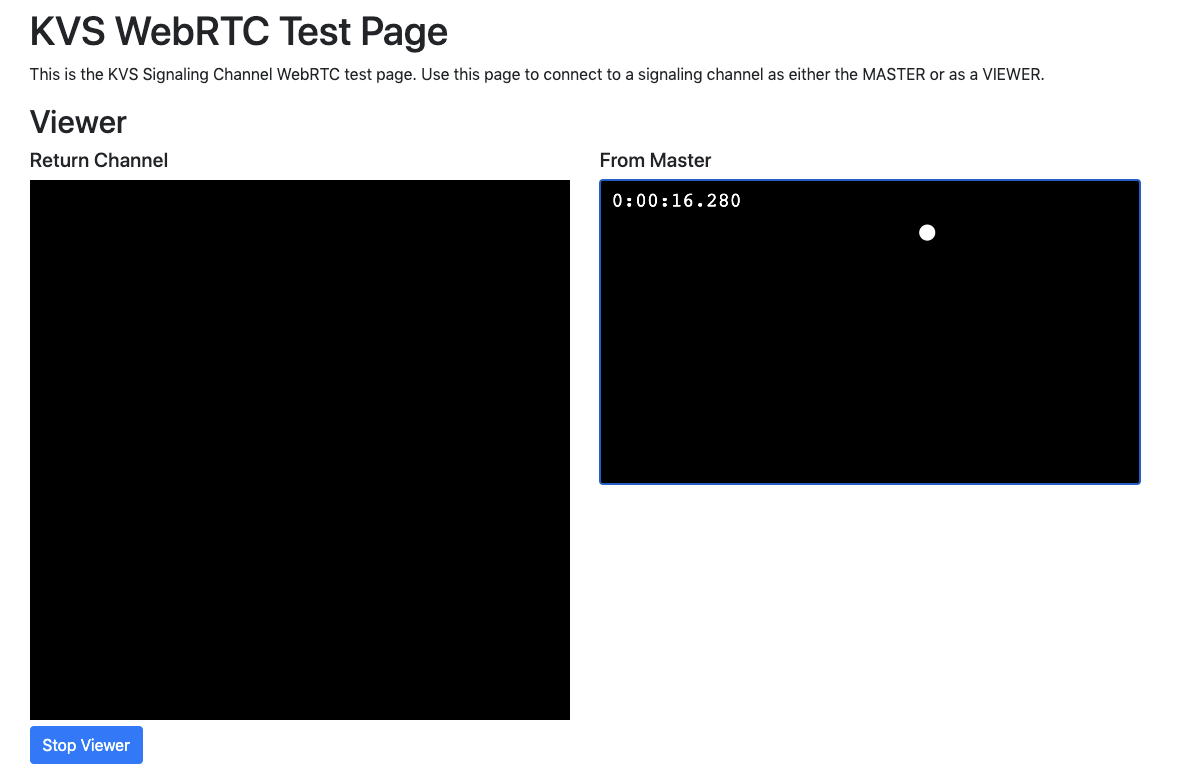
- To play live stream with Raspberry Pi Camera, follow the steps to run.
cd ~/amazon-kinesis-video-streams-webrtc-sdk-c/build ./kvsWebrtcClientMasterGstSample your_desired_channel_name - Use the same link to play live view.